
Printing becomes smoother when the artwork is prepared properly before it ever reaches the press. A lot of avoidable issues begin with wrong file types, weak logo files, low resolution images or missing bleed. If you need practical support with file checking, production setup or final output, our Printing Services Kampala, Graphic Design Kampala and Print-Ready Artwork Kampala services are the most relevant starting points.
How This Guide Fits Into The Bigger Picture
This guide helps readers move from general file confusion into the right production or design support. Some people only need to export correctly. Others need artwork rebuilt, brand files organised or full production support across several materials.
A useful starting point
If you are preparing files for brochures, business cards, posters, flyers or branded stationery, start with our Printing Services Kampala hub.
When artwork still needs work
If the layout is not yet production-ready, our Graphic Design Kampala, Print-Ready Artwork Kampala and Brand Template Design Kampala services are especially relevant.
When brand files are the problem
If your logo is low quality, missing source files or inconsistent across materials, the next step usually connects with Logo Design Kampala, Corporate Brand Identity Design and Brand Guidelines Design.
Why Print Problems Often Start With The File
Common complaints such as “my text is blurry”, “the colours changed”, “the design looks stretched” or “the edges were cut” usually point back to file preparation. Sometimes the artwork was exported as a low-resolution image. Sometimes the logo was sent as a screenshot. In other cases, the document size was wrong, the bleed was missing or the final file remained in RGB instead of being prepared carefully for print output.
These issues can affect many categories of work, including business cards, brochures, flyers, posters, banners, stickers, branded stationery and product packaging. That is why the right export format matters before production even begins.
1. Best File Format: PDF (Print Ready)
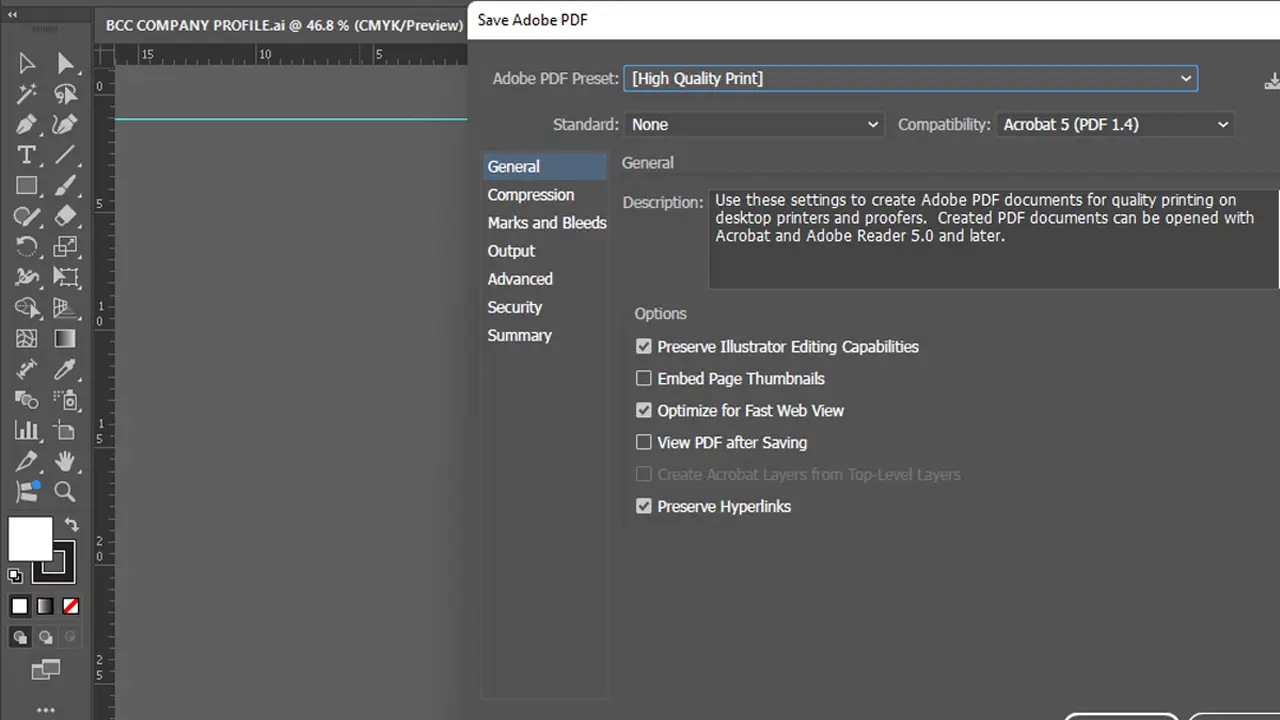
For most printing jobs, PDF is the strongest format because it keeps text sharp, keeps the layout stable and preserves vector elements better than sending separate image files. It is the standard format for many professional print workflows because it reduces the risk of text shifting, missing fonts or changed alignment between devices.
A proper print-ready PDF should usually be exported using high-quality print settings, with fonts embedded, bleed included where needed and dimensions confirmed before export. Where color accuracy matters, the artwork also needs careful preparation for print conditions rather than relying only on how it looked on a phone or laptop screen.
If your artwork is not yet ready for final export, our Print-Ready Artwork Kampala service can help prepare the files properly before they go into digital printing, offset printing or large format printing.
2. AI / EPS / SVG: Best For Logos And Editable Design
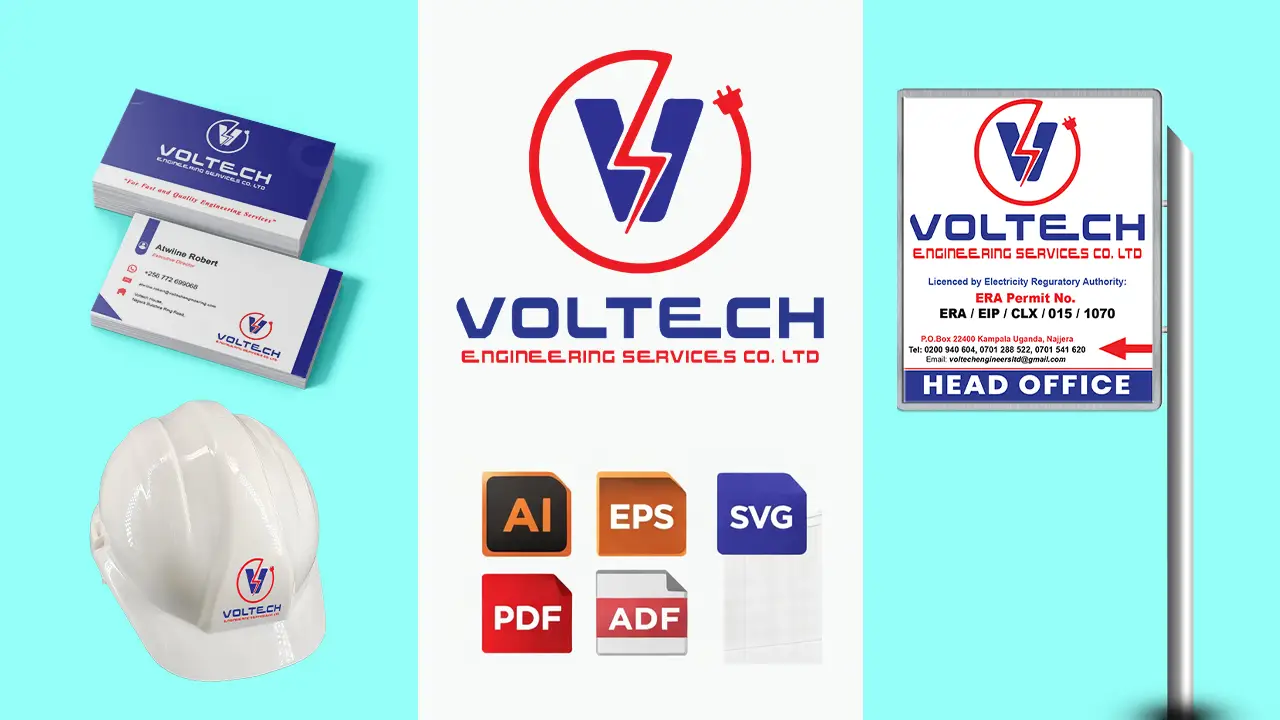
If you are sending a logo for print, the best formats are usually AI, EPS or SVG. These are vector-based files, which means the artwork can be scaled without losing sharpness. That matters when the same logo is used on a business card, a signboard, product packaging, vehicle branding or an event branding backdrop.
What should be avoided? WhatsApp screenshots, low-resolution JPG files, cropped PNGs and logos pulled from social media pages. These versions may look usable at first glance, but they usually break down when enlarged or reproduced on different materials. Edges become soft, details disappear and the brand loses the clean finish it should have.
For professionally prepared logo systems with the correct source files, see our Logo Design Kampala service. If your files are missing or inconsistent, our broader Branding Kampala, Rebranding Services Kampala and SME Brand Development Kampala pages are also relevant.
3. PNG / JPG: Only For Specific Uses
PNG and JPG can still be useful, but they should not be treated as universal print files. These formats are image-based, not vector-based. That means they can lose quality when enlarged and they do not keep text or logo shapes as sharply as vector artwork or properly exported PDFs.
They may work when the design is already high resolution, when the output is relatively small or when the artwork is mainly photographic. For example, an image-based poster can sometimes work well if it has the correct dimensions and 300 DPI. Even then, the final production file is often safer when exported to a proper PDF before printing.
For corporate materials such as company profiles, brochures, catalogs, business proposals and reports, it is much better to work toward print-ready PDFs than to rely on flattened image exports alone.
4. Resolution: Check Effective PPI at Final Size
For close-viewed print such as business cards, brochures, flyers, labels and packaging, photographs commonly need about 300 PPI at their final output size. The important phrase is at final size: an image that measures 300 PPI while small can fall far below that level when enlarged across a poster or display.
Large-format artwork is different. Banners, backdrops and roadside graphics may use a lower effective resolution because they are physically larger and normally viewed from farther away. The suitable value depends on the final dimensions, viewing distance and production method; automatically forcing every large-format file to 300 PPI can create unnecessarily heavy files without adding visible detail.
Low-resolution artwork may still look acceptable on a phone because the screen hides softness that becomes visible in print. If you need the actual production file checked, use our Print-Ready File Checklist for Kampala or request technical correction through Print-Ready Artwork Kampala.
5. Color Mode: CMYK vs RGB
Most screens display RGB. Most printing workflows require CMYK. That difference is one of the main reasons colours sometimes shift between what was approved on screen and what appears on the finished print. Bright blues, greens and other vivid tones can change noticeably when converted for physical output.
A stronger approach is to design with print conditions in mind from the beginning, or at least convert carefully before final export rather than leaving the issue until the last minute. This becomes even more important when the project is part of a broader identity system and the brand needs to stay consistent across digital and physical materials.
For structured colour systems and more consistent brand control, our Corporate Brand Identity Design Kampala, Brand Guidelines Design Kampala and Brand Strategy Consulting Kampala services are useful when your business wants better continuity between screen and print.
6. Bleed And Safe Margins: To Avoid Cutting Problems
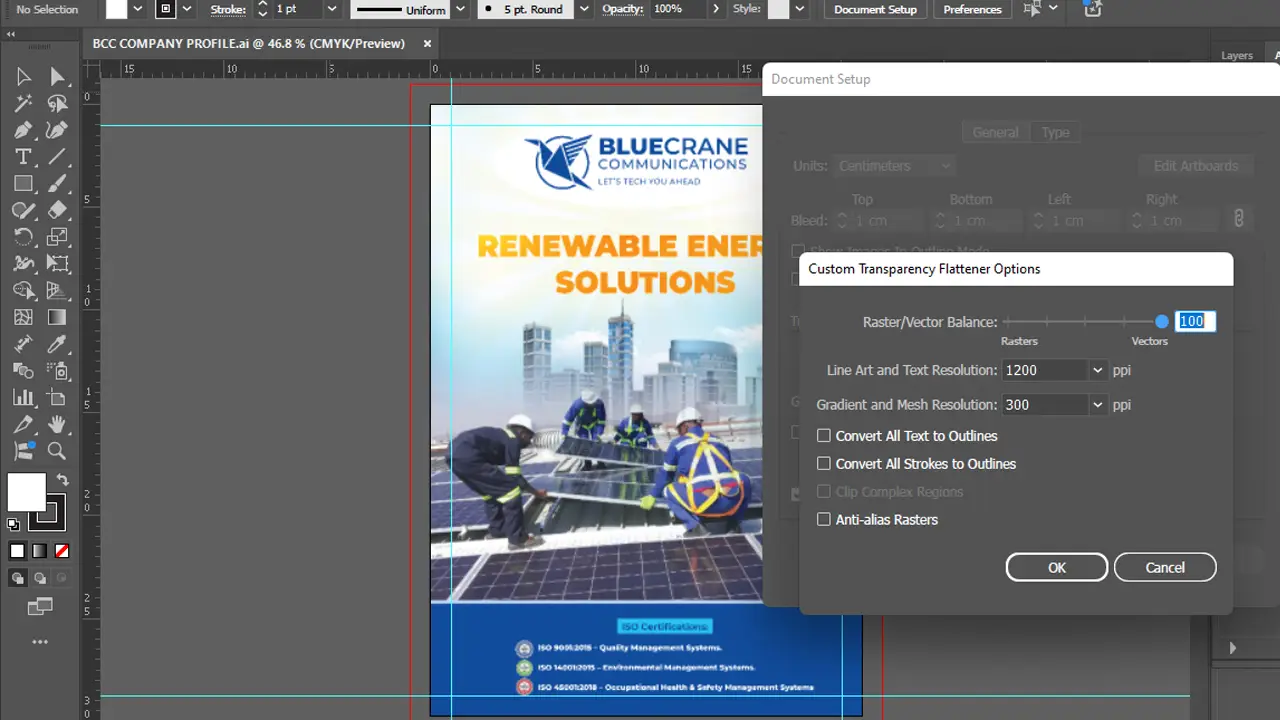
Bleed is the extra area that extends beyond the trimmed edge of the final piece. It helps prevent unwanted white lines or accidental trimming into the design when the printed sheet is cut. Without bleed, even a small production shift can make the edges look unfinished.
Safe margins matter too. Important text, logos and critical design elements should stay inside the safe area so they are not pushed too close to the trim line. This is especially important for business cards, flyers, stickers, labels and packaging.
If your job includes custom packaging or label layouts, our Packaging Design Kampala and Product Label Design Kampala services are especially relevant because packaging usually needs tighter production control than standard documents.
7. Different Print Jobs Need Different File Discipline
Not every print item behaves the same way. A banner may allow larger-scale imagery differently from a business card. A brochure or magazine requires page sequencing and proper export, while calendars, catalogs and books add their own setup considerations.
Large format work can also behave differently from smaller handout materials. For example, outdoor advertising, signage and branding or wall graphics often involve different viewing distances, scale considerations and material choices compared with documents handled at close range.
That is why file preparation should match the actual application, not just the software export button. Where the project includes multiple materials at once, it is often helpful to structure the artwork through a broader Brand Rollout Management Kampala process.
8. Confirm the Format Before Final Preflight
Before moving to final production checks, confirm that the selected format matches the artwork. A completed multi-element layout is usually safest as a properly exported PDF. Logos, icons and line artwork should remain vector in AI, EPS, SVG or vector PDF where appropriate. High-resolution JPG, PNG or TIFF files are useful for photographic and raster content, but they should not replace editable masters or vector logos.
Selecting the correct format does not complete the production check. Finished dimensions, bleed, safe margins, page order, fonts, QR codes, dielines, contact details and final approval must still be verified. Run the complete 15-point Print-Ready File Checklist for Kampala before the job enters production.
Chosen the file format? Run the final production check.
Use the dedicated checklist to confirm size, bleed, resolution, fonts, pages, dielines, QR codes and the exact approved version before printing starts.
Relevant Case Studies From Our Portfolio
These portfolio examples connect closely with file preparation because they show how brand files, packaging and real production quality depend on good artwork structure from the start.

Abundance Herbal Products — Packaging & Brand Collateral
Useful for readers thinking about label setup, packaging consistency, print clarity and how correctly prepared artwork affects shelf-ready output.
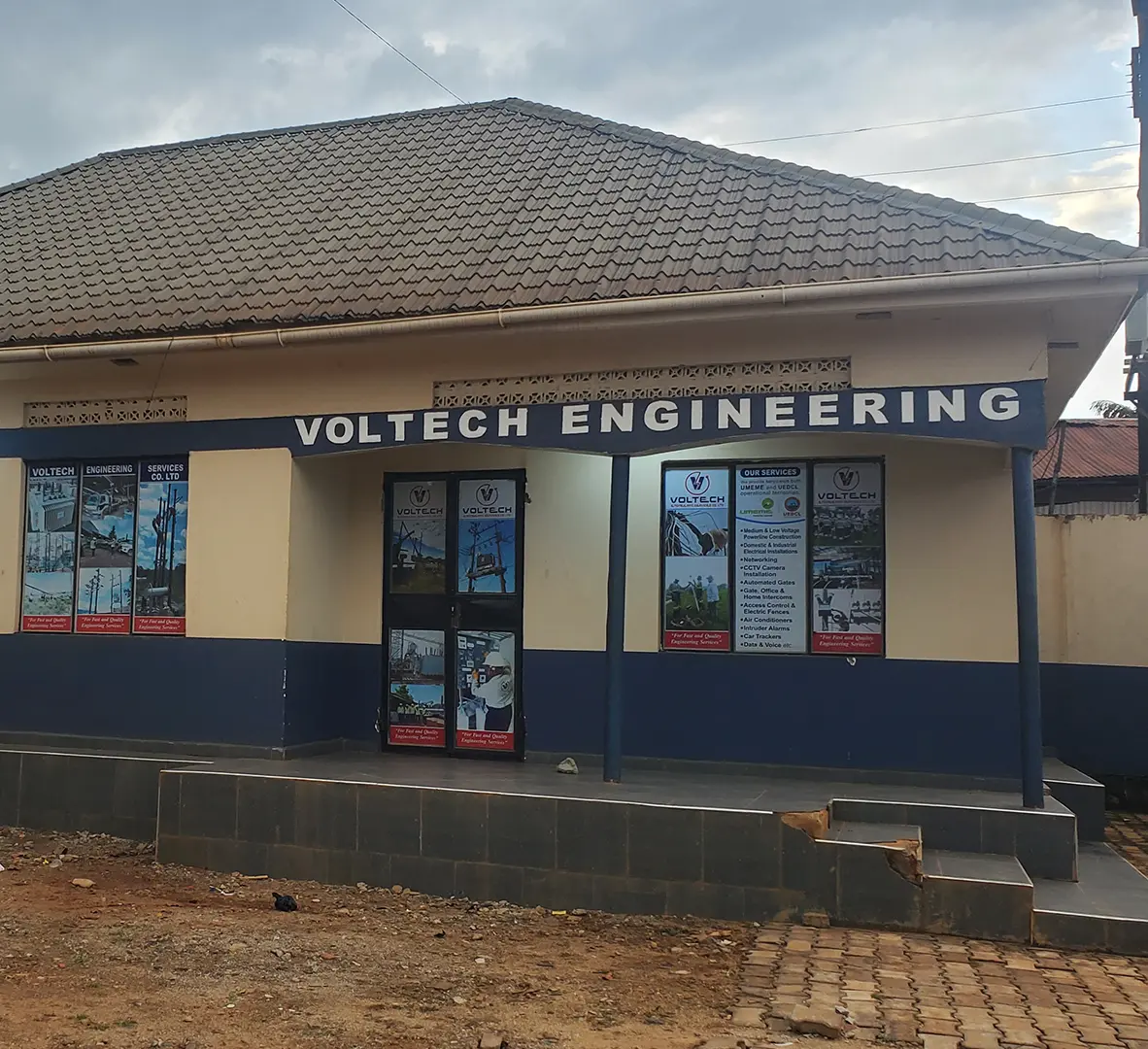
Voltech Engineering — Branding & Office Rollout
Relevant for readers looking at how brand files must stay strong across office materials, signage, corporate applications and visibility assets.
Print File Format Summary
If you send the right file format, you save time, protect your budget and give the print job a much better chance of coming out cleanly. Most professional jobs are safest as print-ready PDFs. Logos should be supplied in vector formats. Images should be high enough resolution for their intended size. Bleed should be included where trimming is involved. And when colour matters, print conditions should be considered before final export.
Incorrect file setup leads to reprints, wasted materials, colour mismatches and blurry output. Good preparation makes everything easier, whether the project is a small set of business cards, a large brochure run, product packaging, branded stationery, event materials or wider signage and visibility work.
Ready to send your files the right way?
Whether you need a print-ready PDF, stronger logo files, packaging setup or final production support, we can help you move from uncertain artwork to cleaner professional output.
Related Posts
These articles are useful if you want to keep reading about branding, printing, signage, and promotional materials in Uganda.
Print-Ready File Checklist for Kampala
After choosing the correct format, run the complete 15-point check for size, bleed, resolution, fonts, dielines, QR codes and final approval.
Branding, Printing & Signage in Uganda: Practical Guide
A comprehensive guide for businesses combining branding, printing, and signage to boost visibility and consistency.
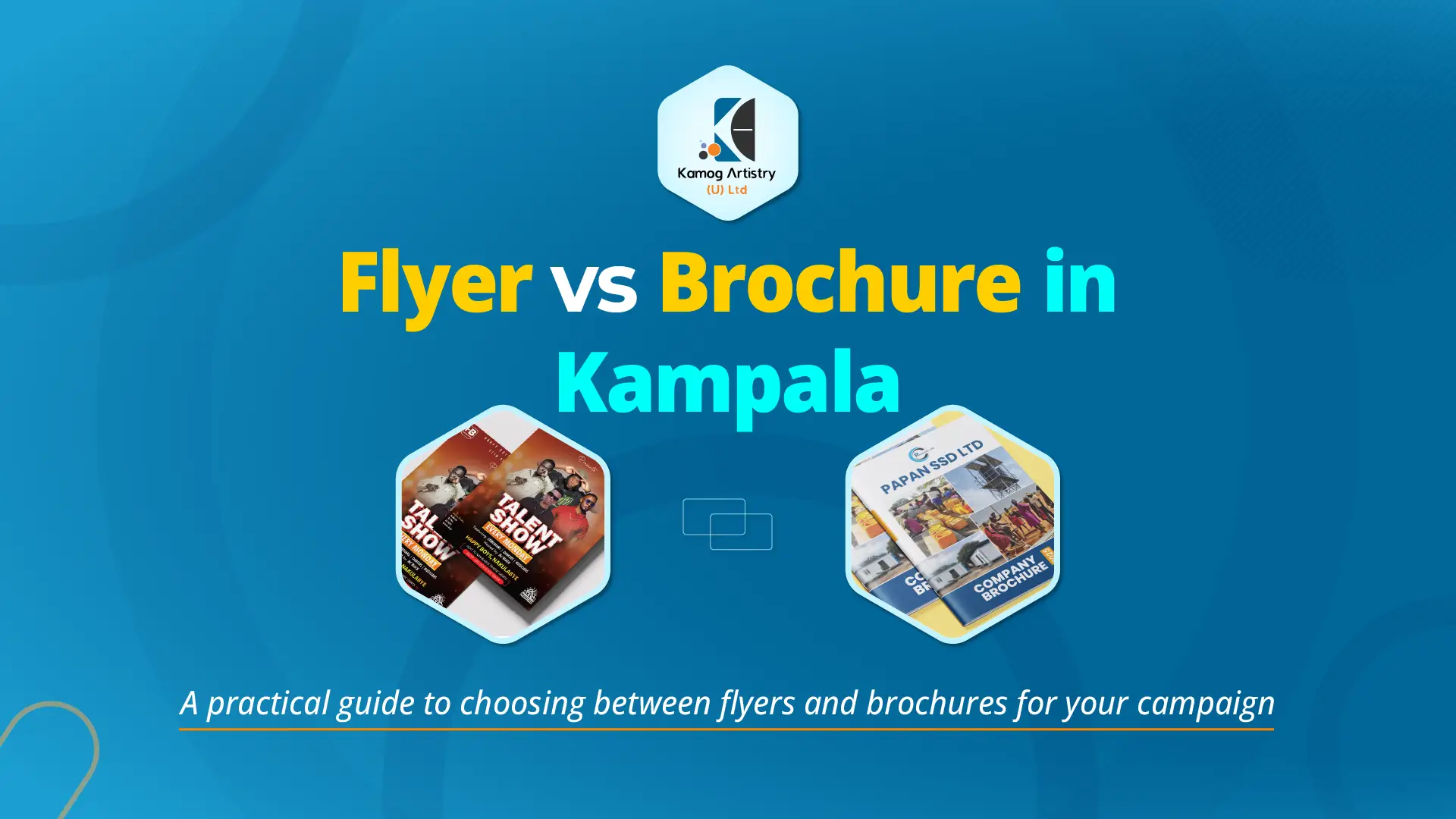
Flyer vs Brochure Printing in Kampala
Compare print options for marketing materials and decide what works best for your business campaigns in Kampala.
Signage Cost in Uganda
Helpful for readers preparing files and budgets for signs, lightboxes, and other visibility materials.
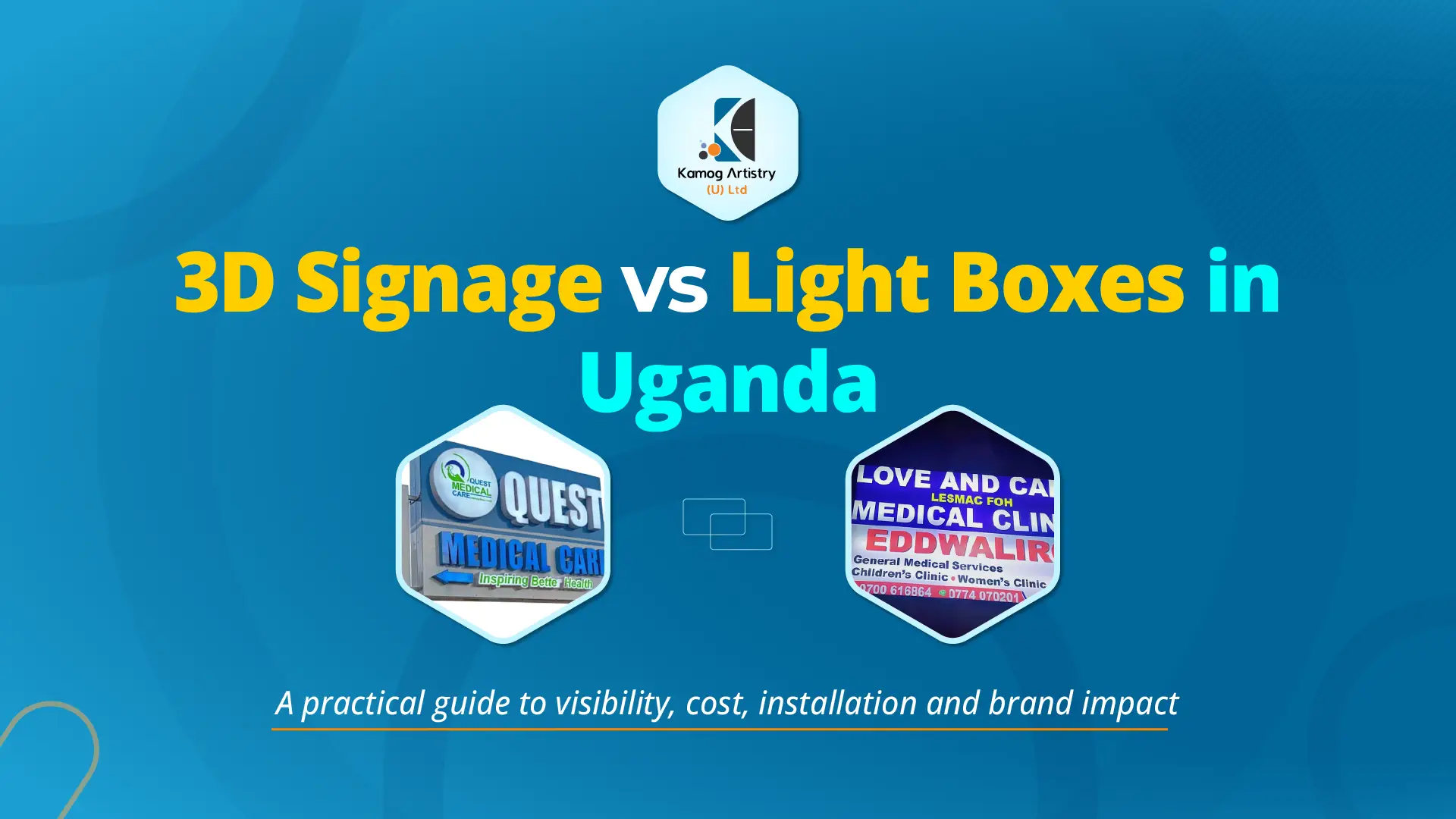
3D Signage vs Light Boxes in Uganda
Explore which signage style offers more impact, durability, and brand visibility for businesses in Uganda.
Related Services
If you already know what you need next, these are the most relevant service pages from this guide.
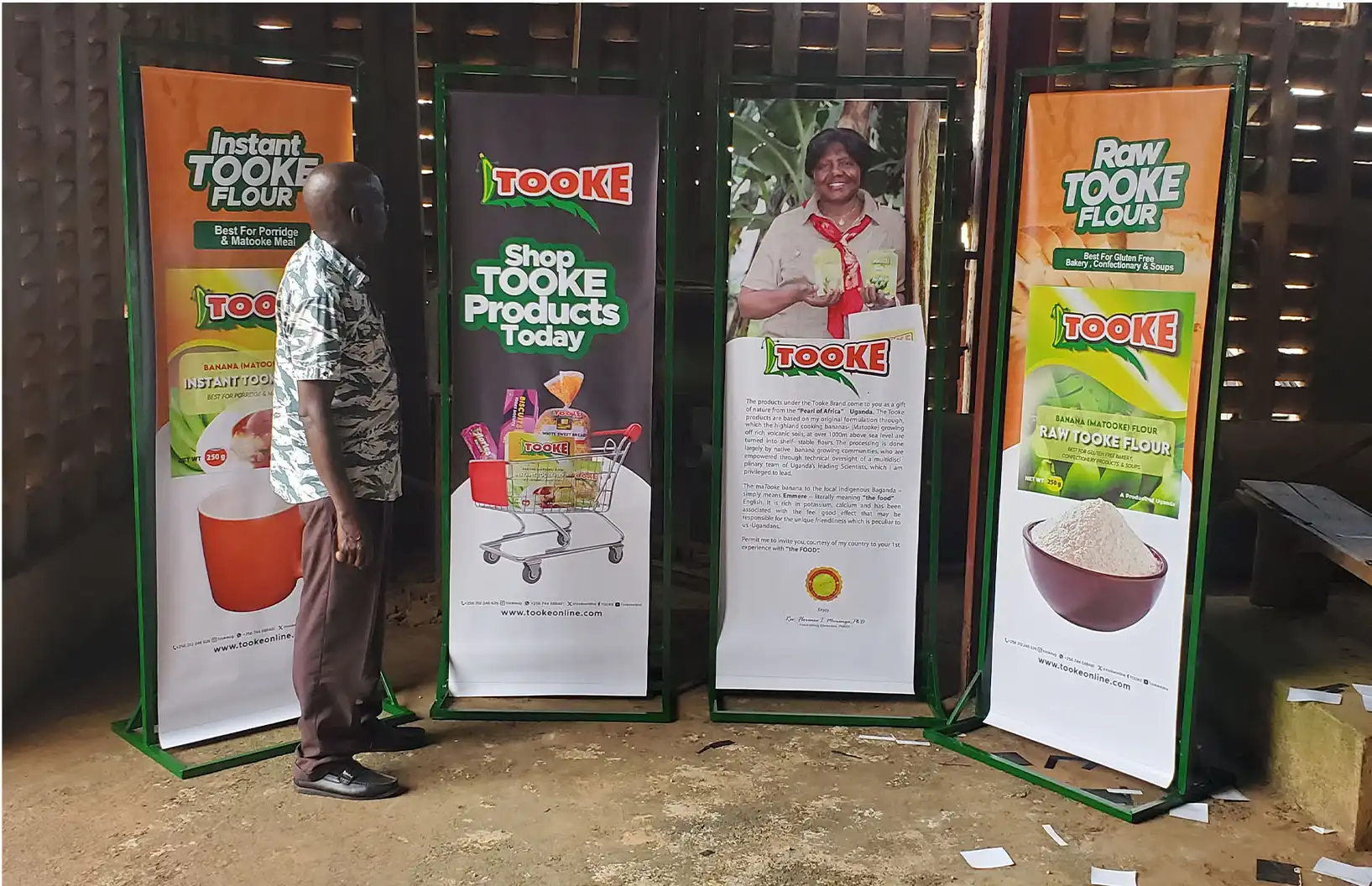
Printing Services Kampala
For clients who already have artwork and need professional production support, materials guidance and finishing options.
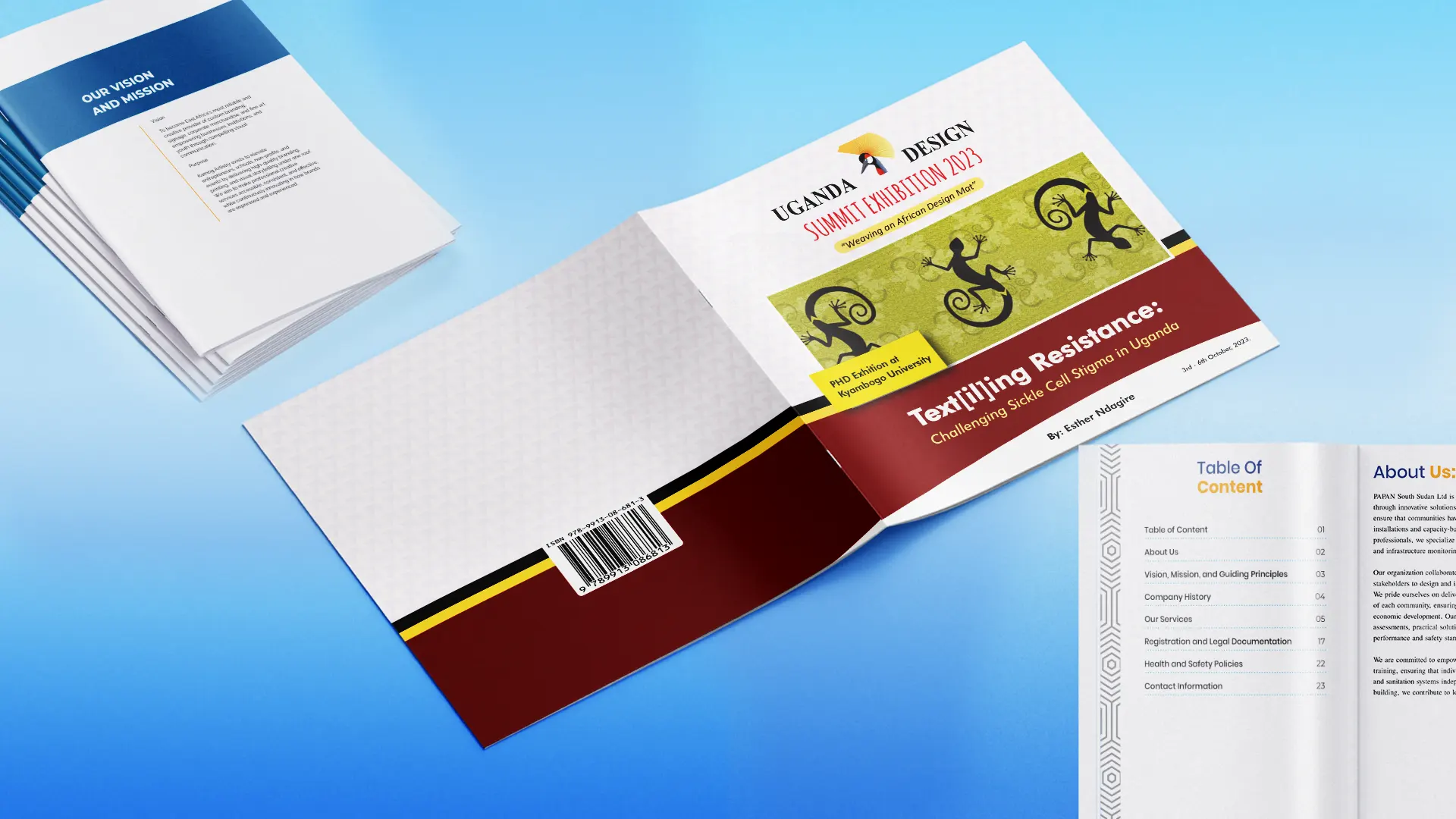
Print-Ready Artwork Kampala
Useful when the design still needs technical correction before it is safe to send for printing.
Logo Design Kampala
Relevant when the main printing problem is weak or missing logo source files rather than the press itself.
Frequently Asked Questions
What is the best file format for printing in Uganda?
For most professional jobs, a properly prepared PDF is the safest option because it keeps text sharp, preserves layout and handles production more reliably. When the artwork is not ready yet, print-ready artwork support can help before moving into printing services.
Can I send my logo as a JPG or screenshot?
It is much better to send logos in vector formats such as AI, EPS or SVG. Screenshots and low-quality JPG files usually do not scale well and can create weak output on stationery, signage, packaging and other materials. That is why many businesses need logo design or rebranding support before production.
Why do colours change when something is printed?
Screens usually show RGB while print workflows generally rely on CMYK. Because the two systems behave differently, some colours shift in print. Businesses that want stronger control across digital and physical materials often benefit from corporate brand identity design and brand guidelines.
Is 300 DPI always necessary?
Not for every job. Close-viewed items such as brochures, flyers and packaging labels commonly need about 300 PPI at final output size. Large-format artwork may use a lower effective resolution depending on its dimensions and viewing distance. The full print-ready checklist explains what else must be verified before approval.
About the Publisher
Kamog Artistry (U) Ltd is a Kampala-based branding, graphic design, printing and signage company supporting businesses, institutions and event teams across Kampala, Wakiso, Mukono and Uganda.
We publish guides like this to help clients understand the practical decisions behind better design, cleaner production and more consistent brand execution across print and visibility materials.
If you would like to learn more about the company or see the kind of work we handle, you can explore the pages below.